Turn Photos into Minecraft Characters
Upload your photo, choose a Minecraft skin style, and let AI transform you into a blocky pixel art character.
Upload Your Photo
JPG, PNG, WebP — max 10 MB
Max 300 characters
Output Format
Skin Settings
No style selected — default Classic Steve will be used
5 credits
How It Works
Create Minecraft Skins in 3 Steps
Upload Your Photo
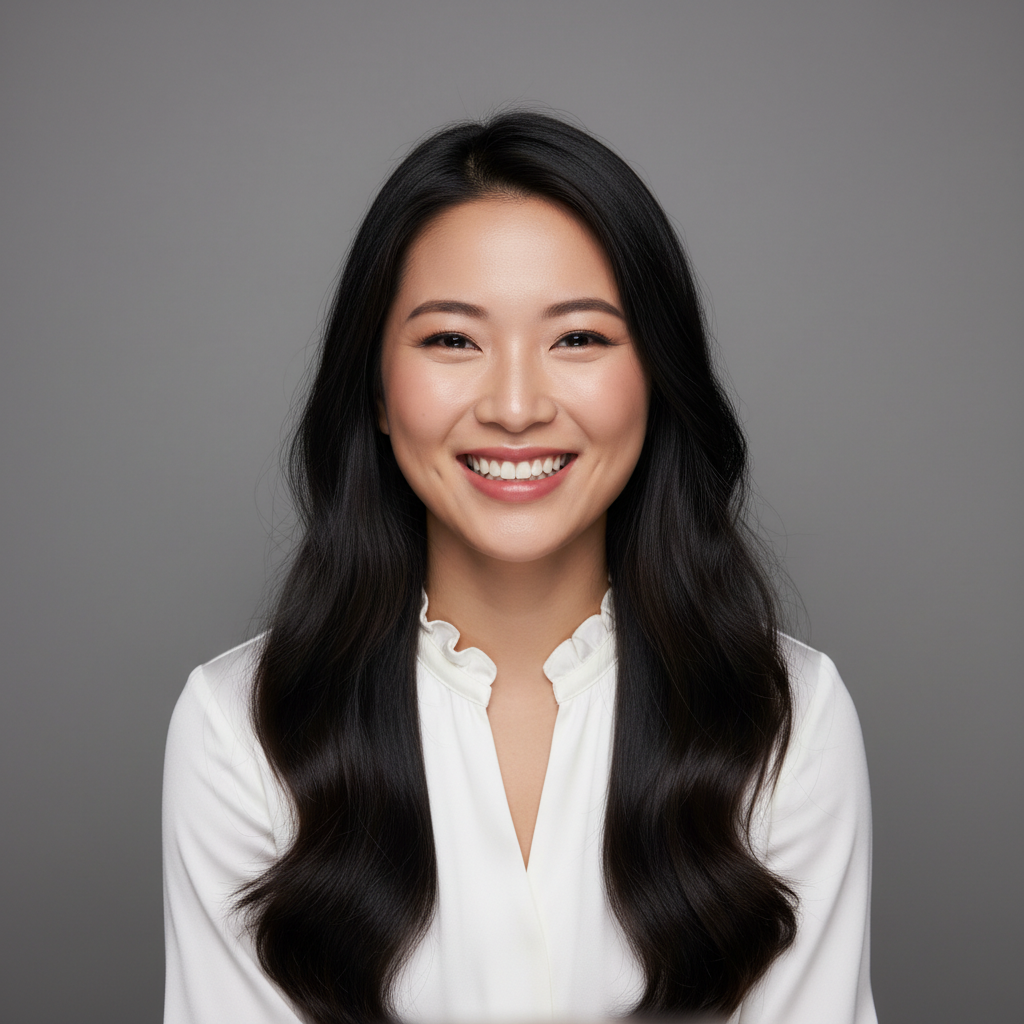
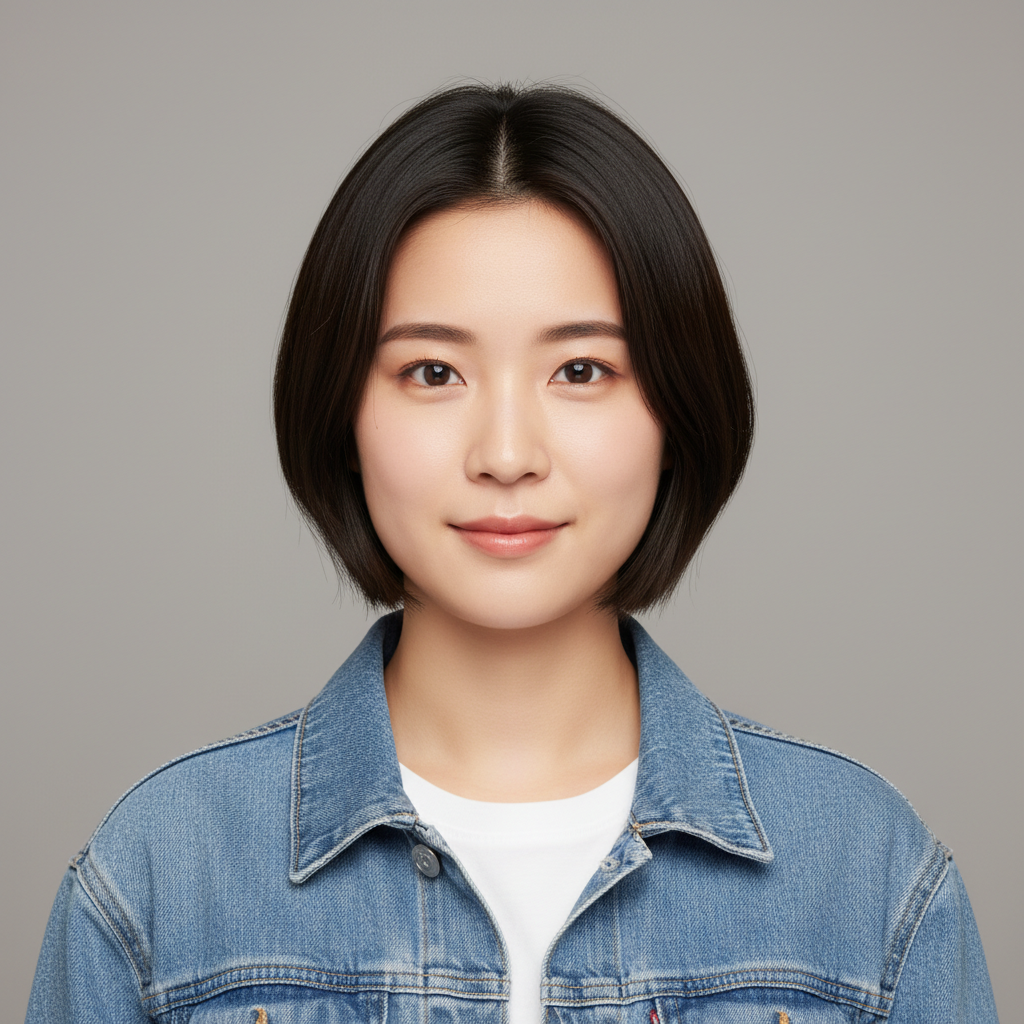
Upload a clear portrait photo. Front-facing photos with good lighting work best for accurate character conversion.
Choose Skin Style
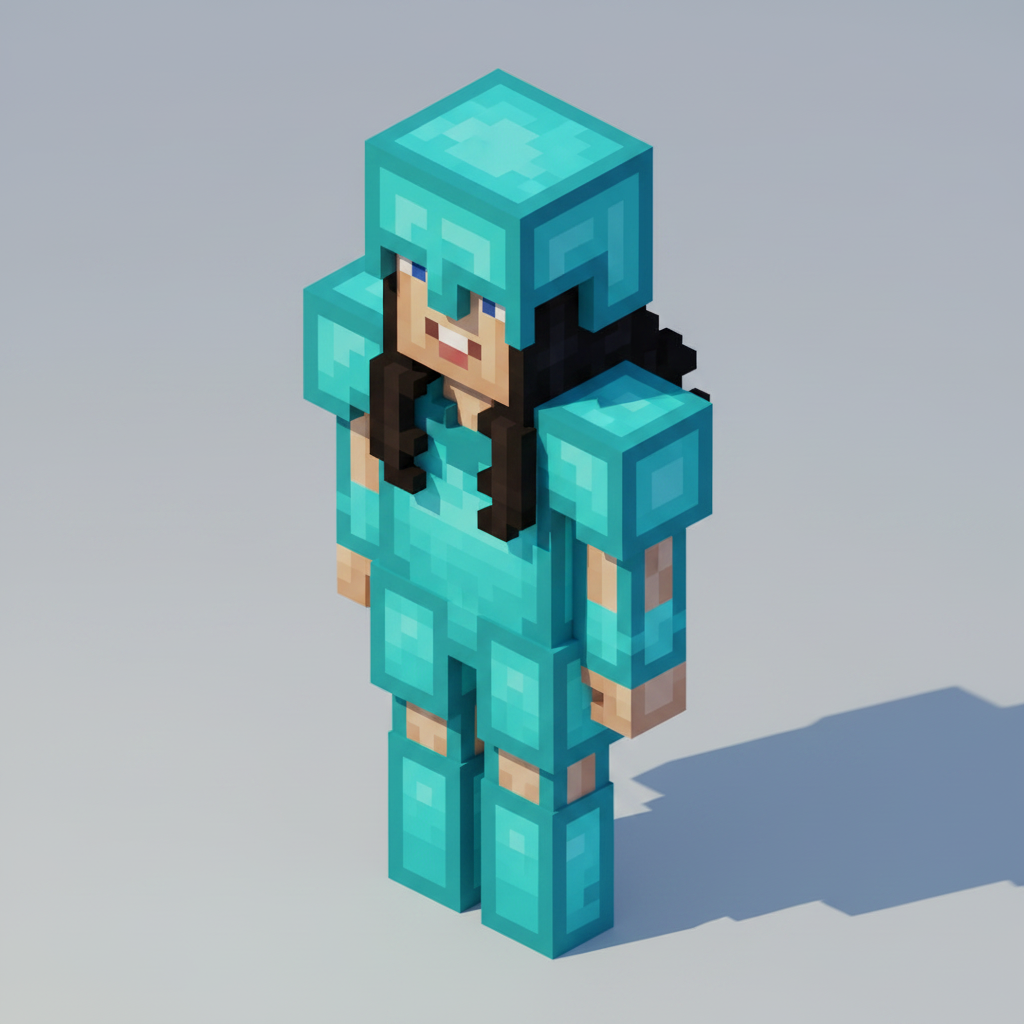
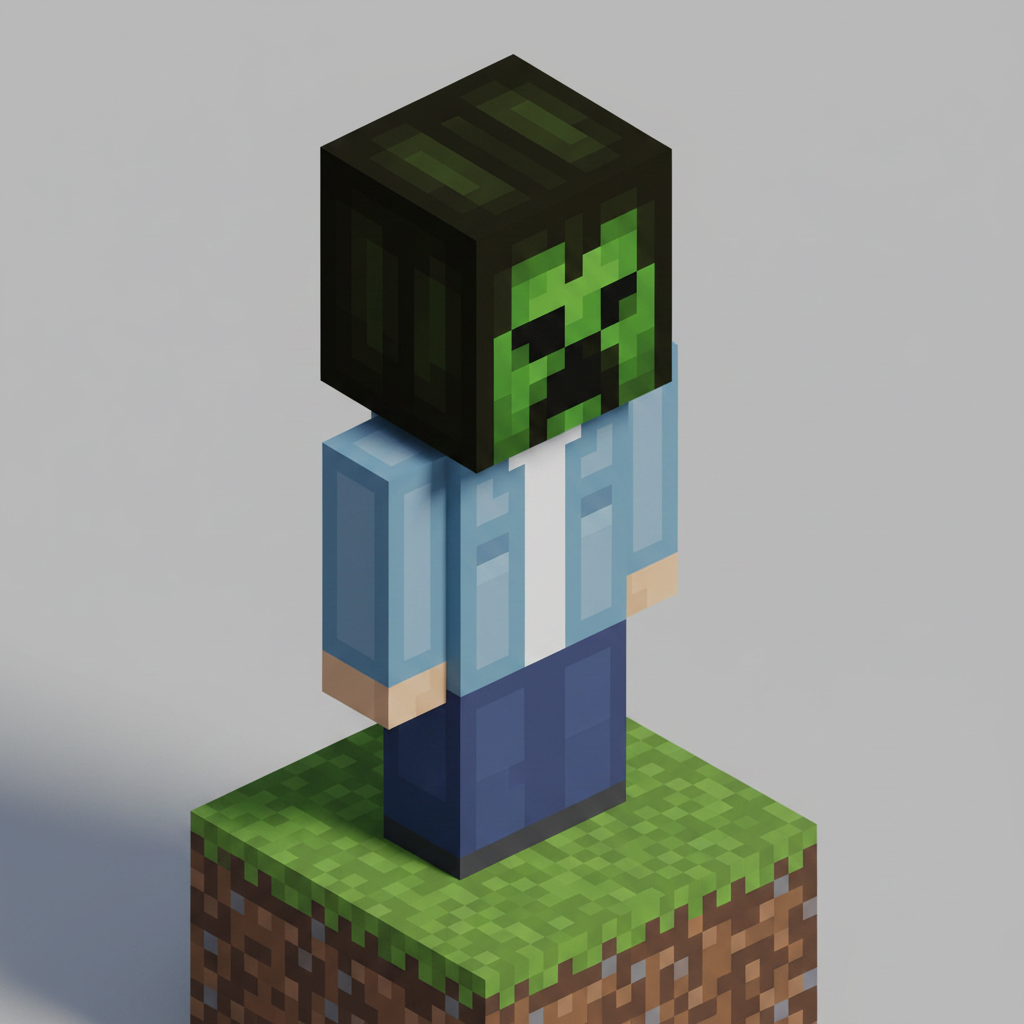
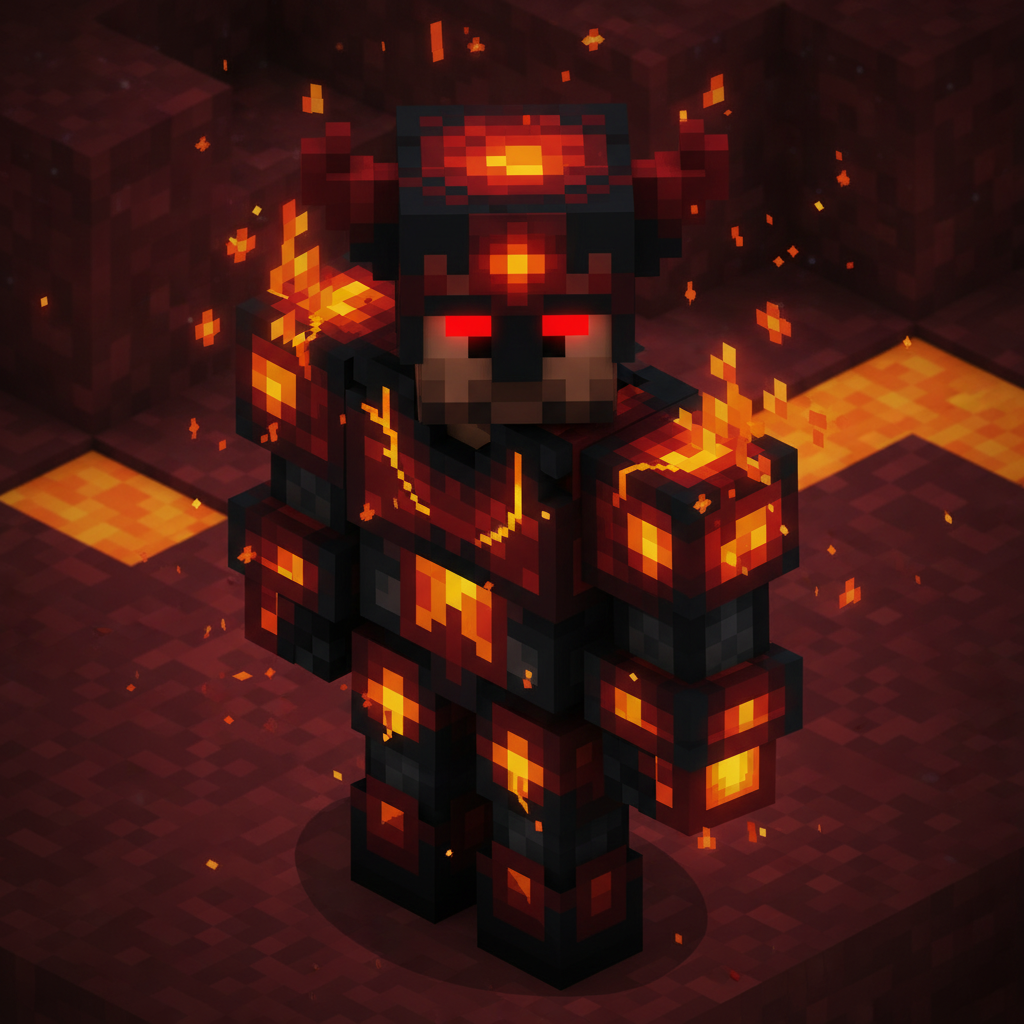
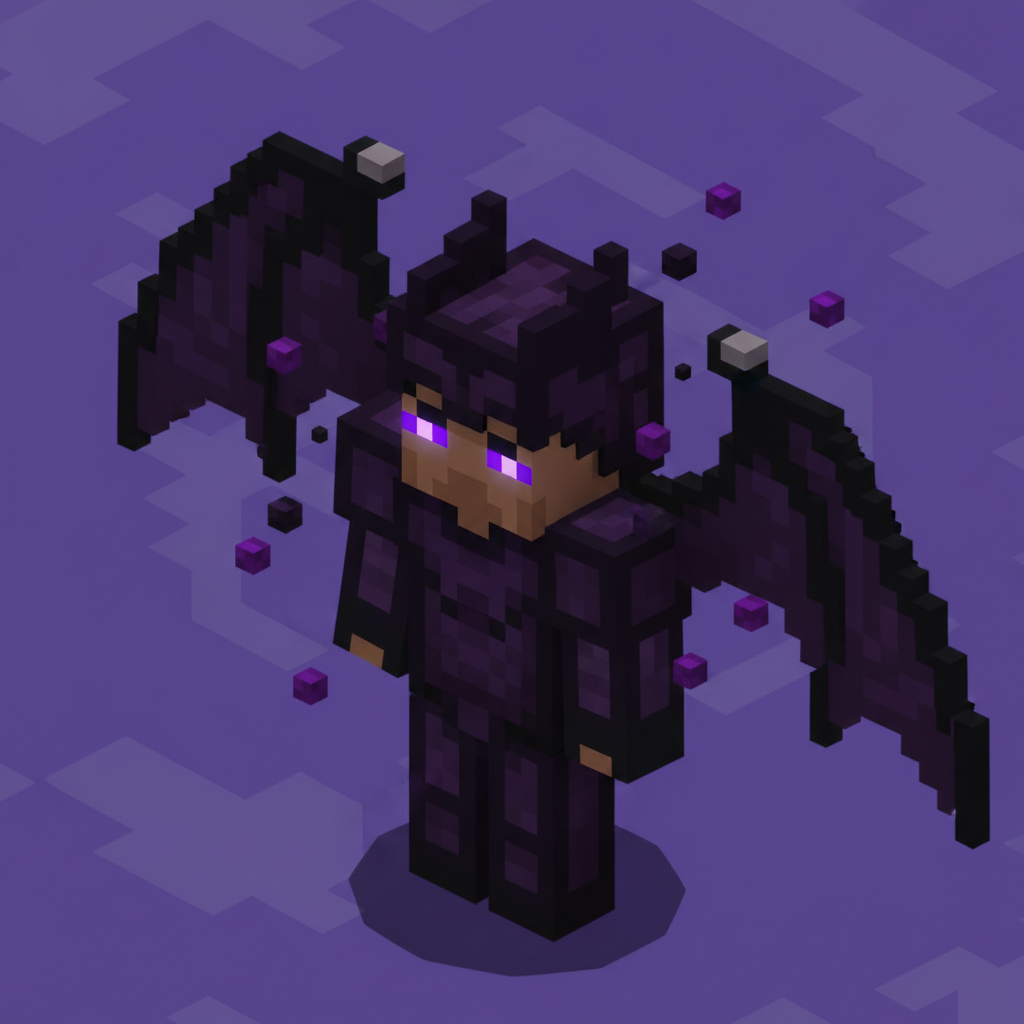
Pick from 10 Minecraft-inspired styles — from Classic Steve to Diamond Armor, Creeper, Enderman, and more.
Download Your Skin
AI transforms your photo into a blocky pixel art Minecraft character. Download and share your creation.
Why Use AI Minecraft Skin Generator
Your Face, Minecraft Style
Turn any portrait into an iconic Minecraft character with AI-powered pixel art conversion.
 Before
 After
After10 Iconic Skin Styles
Choose from Classic Steve, Diamond Armor, Creeper, Enderman, Zombie, and 5 more unique Minecraft themes.
Recognizable Features
AI preserves your key facial features while converting them into blocky pixel art form — it still looks like you!
 Before
 After
After Before
 After
AfterInstant Pixel Art
No pixel art skills needed. Get a professional Minecraft-style character in about 30 seconds.
FAQ
Frequently Asked Questions
Everything you need to know about our AI Minecraft Skin Generator.